How to Know If Your Recruiting Audience Is Actually Licensed or Just a Demographic Guess

Your recruiting audience is actually licensed when the list matches license type, specialty, and geography to the credential the job requires. Demographic guesses only match broad traits such as age or ZIP code and cannot confirm that the person holds the qualification.
- Write the exact license type, specialty, and place first.
- Build the audience from license matching, not a purchased demographic list.
- Approve only a description that names license, specialty, and geography.
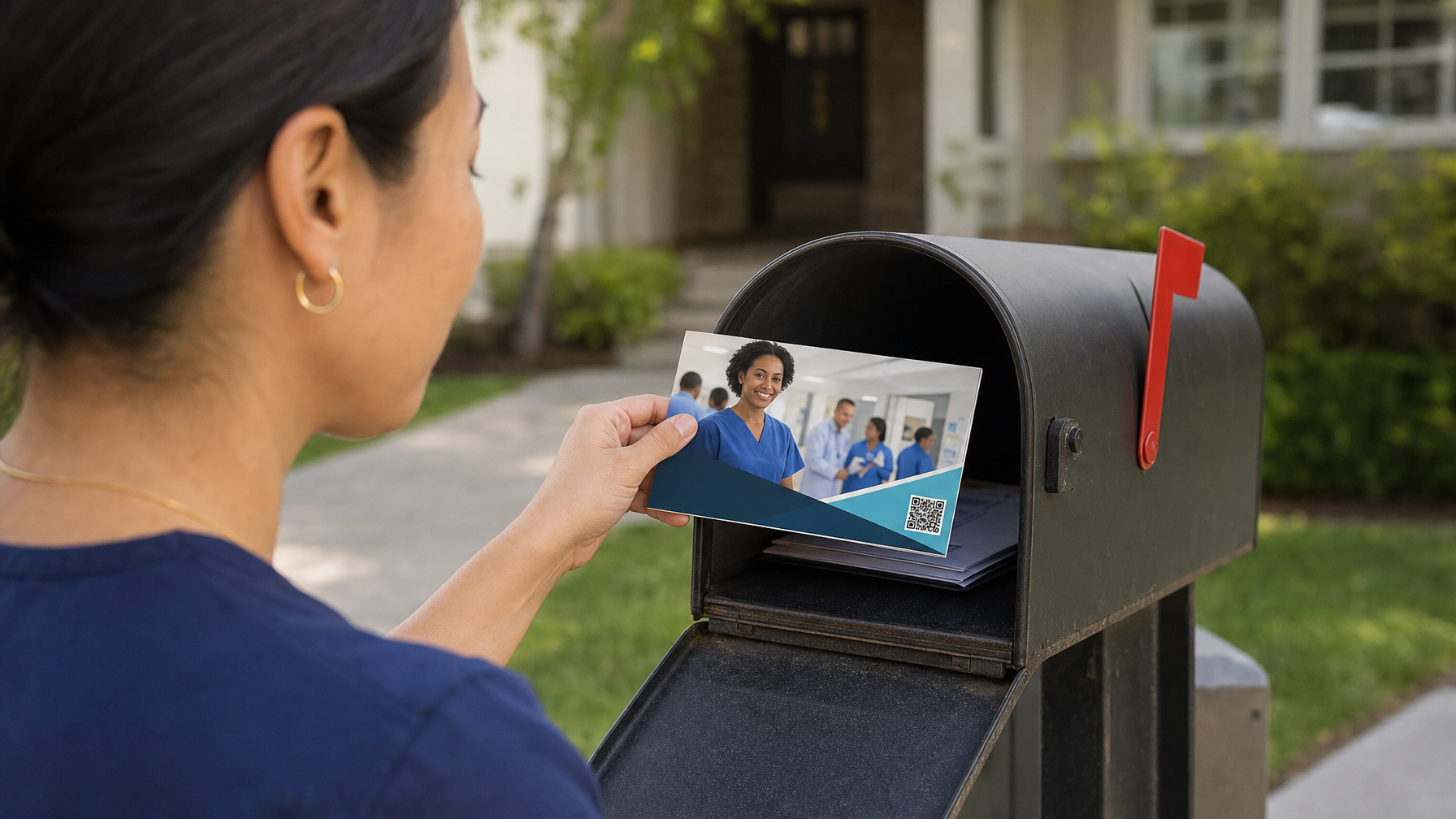
- Put the recipient first name, a specialty message, employer brand, and one QR action on the card.
- Measure QR scans and landing-page visits from that mailed audience.
This workflow is for hospital and health-system talent acquisition teams (and similar licensed hiring teams) who need to know whether a mail audience is truly credentialed or only a demographic guess. RecruitCard runs managed direct mail recruiting campaigns in the United States with targeting by license type, specialty, and geography.
Step 1: Write the exact license type and specialty first
Start with the credential the role requires, then add specialty and place, before anyone builds a list.
Name the credential the job cannot waive
Write the license the person must hold, such as RN, LPN, CNA, dental hygienist, physical therapist, or pharmacist. If the requisition needs a unit or trade, add that next: ICU, ED, OR, night shift, rural site, or a similar constraint. A demographic phrase like "healthcare workers in this ZIP" is not a substitute.
Narrow with specialty, not with age or income
Add any subspecialty or certification that actually shrinks the qualified pool. Geography belongs here too: city, county, or a defined service area where you will hire. You are defining who is eligible, not who looks similar on a consumer file.
Step 2: Request audience construction from license records
Give the vendor license type, specialty, and geography, and require that the audience come from records that match those fields.
Hand over the brief, not a purchased consumer list
Provide the license type, specialty, and geography details. Confirm the audience will be built only from records that show an active license match for that combination. RecruitCard targeting is precision matching of license type, trade or specialty, and geographic location. It is not a mass mailing and not a generic demographic or purchased list handoff.
Refuse overlays that replace the credential
Reject any suggestion to expand the list with demographic overlays, lookalike traits, or a generic mailing list. Those methods guess at occupation. They do not confirm the license you need.
Step 3: Review the audience description before approval
Approve the audience only when the written description states license type, specialty, and geography in plain language.
Read for license language, not lifestyle language
Check that the description names the credential and place explicitly. If you see broad terms in place of the license (homeowners, women 25 to 54, "healthcare interest"), stop. Ask for confirmation that every record carries the required license credential for the specialty you specified.
Step 4: Design the card around the verified credential
Once the audience is licensed, the mail piece should speak to that credential, not to a generic job seeker.
Use the four parts of the card
Use the recipient's actual first name on every piece. Include a message that speaks to the license and specialty. Show credible employer branding. Place one clear action: a QR code plus a short URL that leads to a dedicated landing page. That combination is how RecruitCard structures a card: personalized name, specialty-specific message, employer brand, and one action.
The candidates you most want are often already employed and not searching job boards. A personalized card at home reaches that group with less competition for attention than another posting.
Step 5: Track results through the response channel
Measure what the campaign produced with QR scans and landing-page traffic from the mailed pieces, not with guesswork.
Tie activity back to the segment you approved
Monitor scans and visits that originate from the cards. Compare that activity against the specific license, specialty, and geography segment you approved. Use what you see to refine future license and geography criteria. RecruitCard includes this tracking as part of a full-service campaign: targeting, creative, print, postage, delivery, and response tracking.
Next step: If you have a licensed role that is not closing through job boards, book a 15-minute call to walk through license type, specialty, and geography before anyone designs a card.
Sources
Enjoyed this? There's more from RecruitCard.
Book a 15-minute call →