Personalized URL vs QR Code for Recruiting Postcards: What Is the Difference?

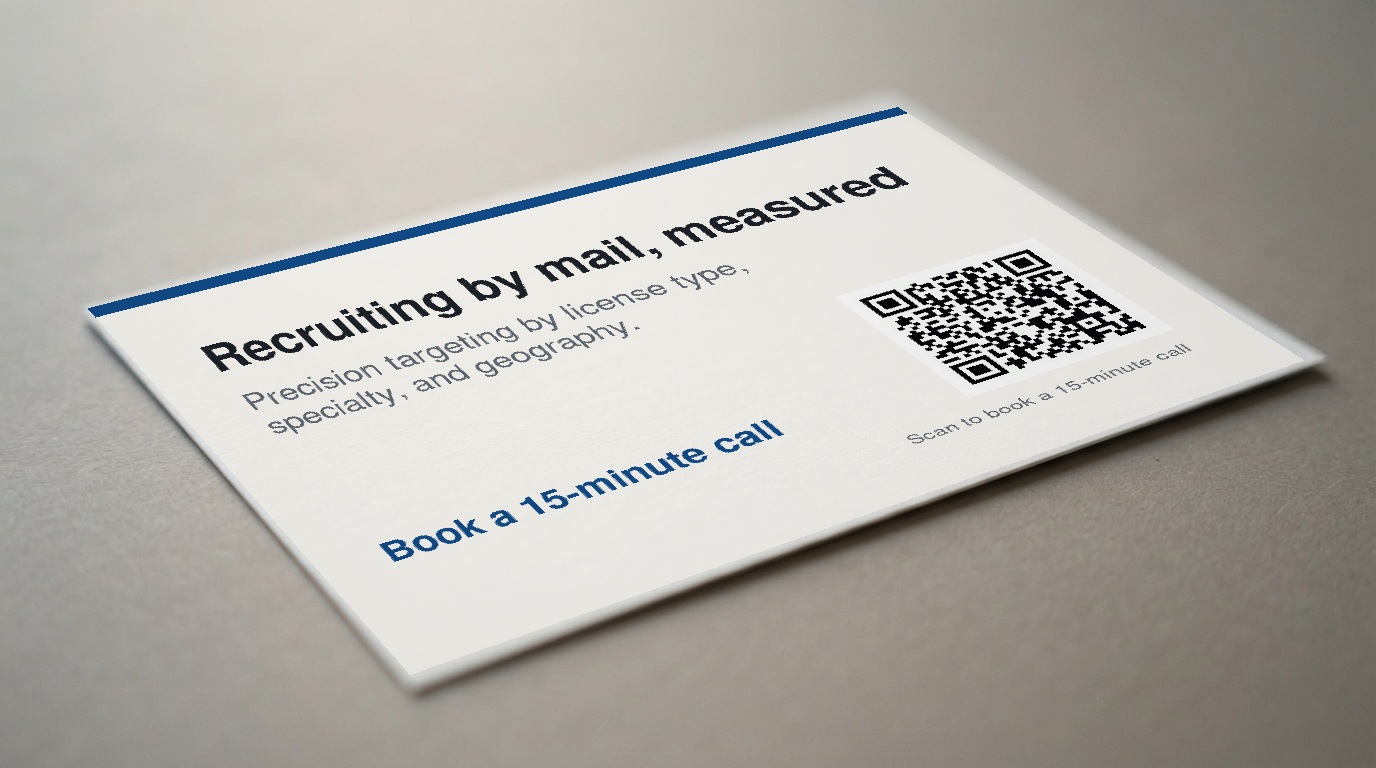
A QR code and a personalized URL are two ways to move a recruiting postcard recipient to a landing page. A QR code is usually faster to use on a phone, while a printed URL gives the recipient a visible web address to type. For most recruiting postcards, use the QR code as the primary action and a short, readable URL as the fallback, with both leading to the same focused page.
One important distinction: a personalized URL can mean an individually tailored web address, while a printed campaign URL is simply a readable address associated with the campaign. RecruitCard’s approved campaign capabilities include QR-code and landing-page response tracking. The exact URL format should be confirmed during campaign planning rather than assumed. The practical decision remains the same: give recipients one clear next step and, where supported, more than one way to reach it.
Who This Article Is For
This guide is for hospital and health-system HR and talent-acquisition teams promoting hard-to-fill licensed healthcare roles, including ICU, OR, night-shift, rural, and other specialty-specific openings.
It is also relevant to employers hiring allied health, dental, pharmacy, behavioral health, engineering, and skilled-trade candidates. Recruitment marketing agencies considering a white-label direct mail offering can use the same principles for their clients.
QR Code vs. Personalized URL: The Short Answer
A QR code is a scannable graphic that sends a recipient to a campaign landing page. A URL is a written web address that a recipient can enter in a browser to reach that page.
Neither format is the recruiting message itself. The message is the reason a recipient may act: for example, an ICU RN opportunity, an OR role, a night-shift opening, or an upcoming hiring event. The QR code and URL are simply access paths from the postcard to the next step.
A useful postcard layout makes the QR code the primary mobile action and places a short URL nearby for people who prefer typing, want to return later, or cannot scan the code.
What a QR Code Does on a Recruiting Postcard
A recipient scans a QR code with a phone and is directed to the campaign landing page. This removes the need to type a web address from a physical postcard.
QR codes work well with a postcard built around one clear action. RecruitCard’s card format can combine four core elements:
- The recipient’s actual first name
- A specialty-specific message
- Credible employer branding
- One clear action, supported by a QR code and a readable URL where applicable
For example, a card addressed to a targeted nursing audience may present a concise message about an ICU opening and ask the recipient to scan to learn more. A scan is an interaction with the mail piece. It does not, by itself, establish an application, interview, or hire.
What a Personalized URL Does on a Recruiting Postcard
A printed URL gives the recipient a manual route to the landing page. They can type it into a browser when scanning is inconvenient, when they are looking at the card later, or when they simply prefer a visible address.
The URL should be short, readable, and clearly connected to the employer or campaign when the campaign’s supported setup allows it. Avoid assuming that every printed URL is individually unique to a recipient. Confirm the available URL and landing-page format before creative is finalized.
The goal is not to create a second offer. The URL should support the same single action as the QR code.
QR Code and Printed URL Compared
| Consideration | QR code | Printed URL |
|---|---|---|
| Convenience | Can reduce typing for recipients using a phone. | Provides a manual path to the same destination. |
| Visibility | Can be visually prominent on the card. | Remains readable in print and can be entered later. |
| Likely use | Useful for someone who wants to act immediately from a phone. | Useful for someone who prefers typing or revisits the postcard later. |
| Measurement | QR scans can be tracked as campaign interaction. | Landing-page traffic can indicate interaction with the campaign destination. |
| Role on the card | Primary quick-access route. | Practical fallback beside the primary route. |
Including both gives recipients a choice of access method without diluting the message. The offer, audience, and landing page should stay the same.
Why the Landing Page Matters More Than the Format
The QR code and URL should generally lead to one focused landing page, especially when the postcard promotes a specific role or specialty. Sending a recipient to a broad careers homepage can create a disconnect between the card and the next step.
The landing page should match the postcard’s:
- Employer branding
- Role or specialty
- Location or geographic context
- Primary call to action
For an OR opportunity, the page should continue the OR-specific message. For a hiring event, it should provide the event details and the intended interest or registration action when that is part of the campaign setup. For a long-term pipeline effort, it should describe future opportunities accurately rather than imply that an immediate opening exists.
The next step can be as simple as learning more about the opportunity or expressing interest. The purpose of the landing page is clarity, not a promise of a particular hiring outcome.
How Response Tracking Works
RecruitCard campaigns can use QR scans and landing-page traffic to show how recipients interact with the mail piece. This creates a measurable path from postcard to campaign destination.
That measurement should be interpreted carefully:
- A QR scan indicates that someone scanned the code.
- Landing-page traffic indicates visits to the campaign destination.
- Neither interaction alone proves an application, interview, hire, or return on investment.
Tracking should be planned before printing so the QR code and any printed URL direct recipients to the intended campaign page. This helps keep the postcard message, response path, and reporting aligned.
Which Option Should You Put on the Postcard?
For most recruiting postcards, include both a prominent QR code and a short printed URL when the campaign setup supports the URL format you need. Use one main call to action, not competing offers.
Possible single actions include:
- Learn about a specific ICU, OR, or night-shift role
- View details for a hiring event or open house
- Explore an apprenticeship or training opportunity
- Express interest in future opportunities in a specialty or location
Place the URL near the QR code in readable text. The QR code and URL should take the recipient to the same next step.
Examples for Licensed Healthcare Recruiting
Hard-to-fill specialty or unit
A campaign directed to a targeted RN audience may describe an ICU or OR opportunity. The QR code and printed URL can both lead to a page focused on that role, employer, and location.
Night-shift role
For a night-shift opening, the card can use specialty-specific copy and one focused landing-page action. The recipient should not have to search through a broad list of unrelated jobs to understand why the postcard was sent.
Hiring event
A hiring-event postcard can direct both access methods to event details and an interest or registration action when supported by the campaign setup. The message should make the event’s purpose and next step clear.
Long-term pipeline
A pipeline campaign can direct recipients to a branded page about future opportunities. This is useful when the goal is awareness and relationship-building rather than presenting an immediate vacancy.
Common Mistakes to Avoid
- Sending recipients to a generic careers page. A specific postcard message needs a destination that continues that message.
- Printing a difficult URL. If recipients cannot comfortably read or type it, it is not an effective fallback.
- Using multiple competing calls to action. One clear next step is easier to understand.
- Treating scans or visits as hiring outcomes. They are interactions, not proof of applications, hires, or return on investment.
- Failing to test before distribution. Test the printed QR code and URL to confirm they reach the intended destination.
- Describing the audience as a generic purchased mailing list. RecruitCard positions campaign targeting around license type, specialty or trade, and geography.
What RecruitCard Handles
RecruitCard manages end-to-end direct mail recruiting campaigns, including audience targeting, card design, employer branding, personalization with the recipient’s first name, printing, postage, delivery, and response tracking.
Campaign audiences are built around license type, specialty or trade, and geography rather than broad demographic targeting. The model can support single-market and nationwide rollouts.
RecruitCard’s deepest expertise is licensed healthcare hiring, particularly hard-to-fill nursing and specialty roles. The same general direct mail model is also available for engineering and skilled-trade recruiting. Recruitment marketing agencies can also ask about a white-label approach.
Final Recommendation and Next Step
For most recruiting postcards, use a QR code for quick mobile access and a short printed URL as a visible fallback, provided both lead to the same focused landing page. The choice between formats matters less than the quality of the audience, the specialty-specific message, the landing page, and the clarity of the call to action.
If you are promoting a role that is not closing through normal channels, a hiring event, or a longer-term candidate pipeline, Book a 15-minute call.
Enjoyed this? There's more from RecruitCard.
Book a 15-minute call →