What Happens When a Candidate Scans a Personalized Recruiting QR Code?

A candidate who scans a personalized recruiting QR code is taken to a campaign landing page built around the advertised role, specialty, employer, and next action. The scan can also contribute to campaign measurement through QR-scan and landing-page traffic data, giving you visibility beyond whether someone clicked a job posting.
Who This Article Is For
This article is for hospital and health-system HR and talent-acquisition teams hiring licensed healthcare professionals. It is particularly relevant when you are trying to fill roles that do not close through normal recruiting channels, including ICU, ED, OR, L&D, oncology, case management, and night-shift positions.
It also applies when you are promoting a hiring event, open house, apprenticeship or training program, multiple locations, or an ongoing candidate pipeline. The central question is the same: once a prospective candidate responds to a mailed card, where do you want them to go, and what should they do next?
What Happens After the Scan
The QR code opens the campaign's designated landing page on the candidate's phone. That page should continue the message from the card rather than dropping the candidate onto a broad careers homepage where they must search for the opportunity again.
A focused landing page can explain the employer opportunity, relevant role or specialty, location or locations, and the next action you want the candidate to take. Depending on the campaign, that action might be learning more, expressing interest, registering for an event, or continuing to an employer application process.
The campaign can record QR scans and landing-page traffic as measurable response activity. A scan is an engagement signal. It does not, by itself, mean the candidate completed an application, spoke with a recruiter, or became a hire.
The Candidate Journey, Step by Step
- The candidate receives a relevant card. The card is addressed using the recipient's actual first name and carries a message relevant to the license type, specialty, or trade being recruited.
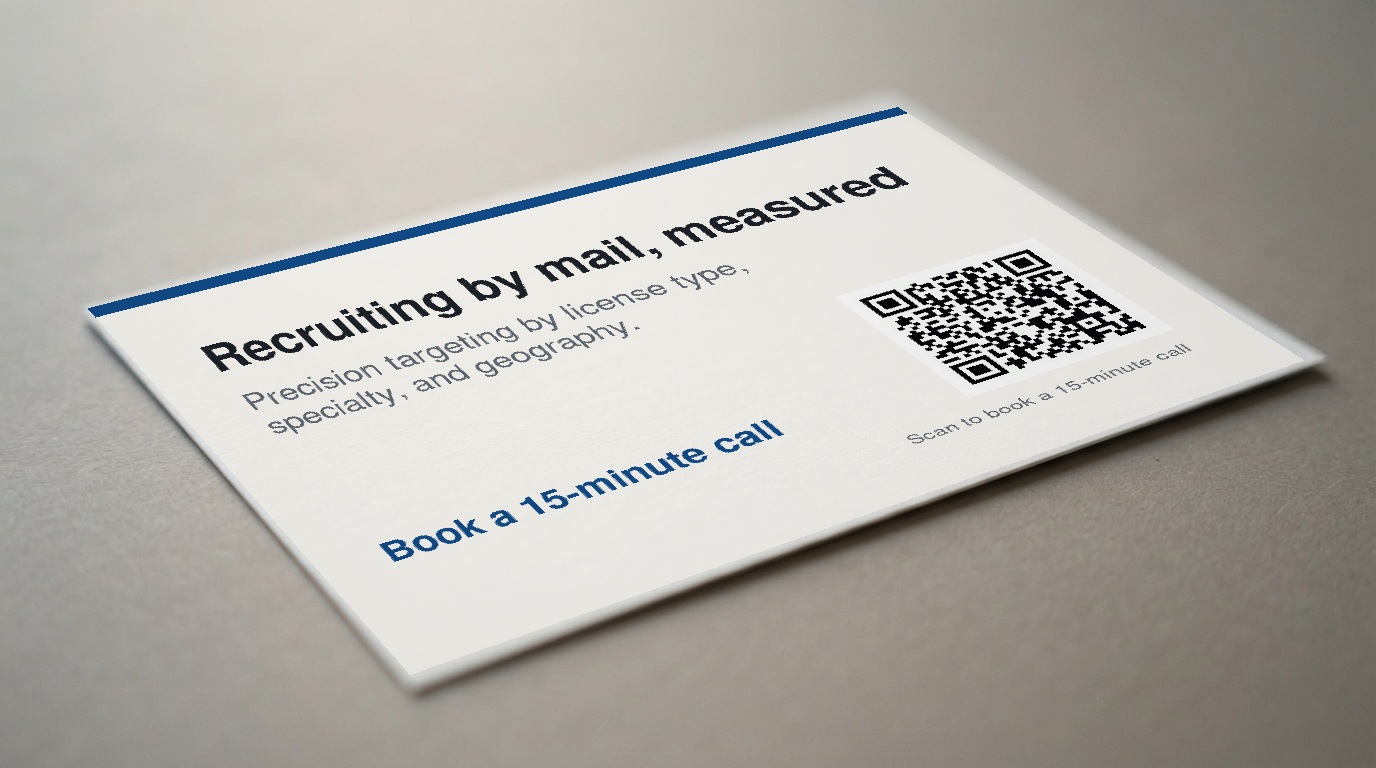
- They choose a response path. They scan the QR code with their phone camera or enter the short URL printed on the card.
- They reach a campaign-specific destination. The landing page is built for the opportunity described in the mail piece, not a general-purpose recruiting page.
- They review the opportunity. The page presents the employer message, role details, and a clear call to action.
- They take the configured next step. This may include learning more, submitting interest, getting event details, or continuing into the employer's application path.
- Your team reviews engagement activity. QR scans and landing-page traffic provide a view of campaign engagement beyond job-board metrics.
What the Landing Page Should Do
The landing page is the handoff between the physical card and your recruiting process. Its job is to make the next step easy and relevant.
Continue the specialty-specific message
An ICU nurse who scans a card about a night-shift ICU opportunity should arrive at a page about that opportunity. The same principle applies to a dental hygienist, physical therapist, surgical technologist, pharmacist, or other licensed professional. Do not make the candidate work backward from a generic careers page to find why they received the card.
Clarify the employer and opportunity quickly
Make the employer identity and purpose of the page clear near the top. Include the relevant unit, specialty, shift, location, event, or program as appropriate. If the campaign covers more than one location, explain how candidates can identify the option that fits them.
Use one primary action
A card works best when it gives the recipient one clear action. The landing page should preserve that clarity. Too many competing links, forms, and navigation choices can make a candidate pause or leave before acting.
Design for a phone screen
Because the response begins with a phone scan, the page should be reviewed on a mobile device before the campaign launches. Key information and the main call to action should be easy to read and use without excessive scrolling or searching.
Set expectations accurately
Explain what happens after a candidate submits interest or follows the next step, based on your configured process. For example, the page may direct a candidate to an application process, provide event registration information, or state that a recruiter will review an interest submission. The message should match the process your team is prepared to run.
Why Personalization Matters Before and After the Scan
Personalization starts with relevance. Using the recipient's actual first name helps the card feel intended for a specific professional rather than like a generic mass mailing. The audience is targeted by license type, specialty, and geography, rather than a broad demographic audience.
The landing page should carry that relevance forward. A candidate should see a message centered on the role or opportunity that prompted the scan, whether that is an OR role, a rural physical therapy opening, a hiring event, or awareness for an apprenticeship.
Personalization is not a claim that a person is looking for a job or available to move. It is a way to make the communication clear, specific, and appropriate to the audience you want to reach.
How RecruitCard Measures Response
RecruitCard uses QR scans and landing-page traffic to show digital engagement with the campaign destination. These measures help distinguish delivery of a physical message from a candidate's decision to interact with the opportunity online.
- QR scans show use of the primary response path printed on the card.
- Landing-page traffic shows activity after candidates reach the campaign destination.
- Employer-side metrics may provide additional context when your hiring team can connect campaign activity to its own application, event, or recruiter follow-up process.
These measures do not by themselves establish applications, interviews, hires, cost per hire, or return on investment. Those later outcomes depend on the candidate's additional actions and on the employer's application and follow-up process.
What Happens After a Candidate Takes the Next Step
The process after the landing page is employer-configured. The right destination depends on what the campaign is trying to accomplish.
- An interest form may collect details for recruiter follow-up.
- An application path may send the candidate into the employer's existing application process.
- An event page may provide date, location, registration, or contact information.
- An apprenticeship or training page may explain the program and provide the intended inquiry or enrollment path.
- A pipeline page may invite appropriate professionals to stay connected before a particular vacancy opens.
Keep the handoff simple. Decide who owns incoming interest, who monitors the destination, and how candidates will be handled after they respond. Before the cards are mailed, confirm that the landing page, forms, links, and recruiter or hiring-team follow-up process are ready.
Use Cases Beyond One Open Requisition
Hard-to-fill specialty roles
A focused campaign destination can support a role that needs its own message, such as ICU nights, OR staffing, a rural physical therapy opportunity, or another niche specialty. The page gives candidates a direct path to the opportunity rather than asking them to locate it among all open positions.
Hiring events and open houses
The landing page can explain the event, who should attend, and the intended registration or interest action. This is useful when the goal is awareness and attendance rather than a response to one job posting.
Apprenticeship and training awareness
Some opportunities cannot be found through a conventional job search because potential candidates do not yet know they exist. A dedicated page can explain an apprenticeship or training program and provide the appropriate next step.
Ongoing candidate pipelines
A campaign does not have to be limited to one immediate vacancy. A landing page can support continued interest from relevant licensed professionals before the next opening is available.
Multiple locations or a nationwide rollout
For campaigns that cover multiple markets or a nationwide rollout, the destination should make the relevant employer opportunity clear while preserving a straightforward response path. RecruitCard can support single-market and nationwide campaign planning.
Common Questions About Recruiting QR Codes
Does a scan automatically identify the candidate?
Do not assume that a QR scan automatically identifies an individual candidate. The campaign measures approved QR-scan and landing-page traffic activity. Any personal information you receive should come through the candidate's separate action, such as submitting a form or entering an employer application process.
Will every scan create an application?
No. A scan indicates engagement with the card's response path. An application requires the candidate to take an additional action, and a hire depends on the full recruiting process.
Can candidates scan from any phone?
Scanning depends on the candidate's device, camera capabilities, and internet access. The short URL printed on the card provides an alternate path for candidates who prefer to type it into a browser.
Can the QR code lead to a general careers page?
It can, but a focused landing page is generally the clearer choice. It keeps the candidate connected to the specialty-specific message that prompted the scan and gives them a direct next step.
Can this support a hiring event or apprenticeship?
Yes. The same direct mail and QR-code model can promote an event, open house, apprenticeship, training program, or longer-term pipeline initiative, not only an individual requisition.
How RecruitCard Supports the Process
RecruitCard manages direct mail recruiting campaigns end to end: audience targeting, card creative, printing, postage, delivery, and response tracking. Its deepest expertise is licensed healthcare hiring, including campaigns aimed at licensed professionals in defined specialties and geographies.
Each card is built around four core elements:
- the recipient's personalized first name,
- a specialty-specific message,
- credible employer branding, and
- one clear action through a QR code and short URL.
The same approach can also be applied to engineering and skilled-trade recruiting for licensed or certified candidates. RecruitCard can support a single market or a nationwide rollout, subject to campaign planning and approval. Recruitment marketing agencies may also use the service on a white-label basis.
Practical Pre-Launch Checklist
- Confirm the audience definition by license type, specialty, and geography.
- Approve employer branding, personalized card content, and one clear call to action.
- Review the landing-page copy and primary action on a mobile device.
- Test the QR code and short URL before production.
- Confirm the application, interest, event, or contact process at the campaign destination.
- Assign ownership for monitoring incoming interest and handling follow-up.
- Decide which activity your team will review, including QR scans, landing-page traffic, and any downstream employer metrics available to the hiring team.
- Set expectations around the actual recruiting process without relying on a guaranteed delivery date or performance result.
Make the Physical Message Lead to a Clear Digital Next Step
A recruiting QR code is the bridge between a physical message and a measurable digital next step. For hard-to-fill healthcare roles, it gives licensed, already-employed professionals a way to explore a relevant opportunity even if they are not actively searching job boards or paid-search channels.
If you are planning a campaign for a hard-to-fill healthcare role, hiring event, apprenticeship, or long-term pipeline, a short planning conversation can help define the audience, message, landing-page destination, and response path.
Enjoyed this? There's more from RecruitCard.
Book a 15-minute call →