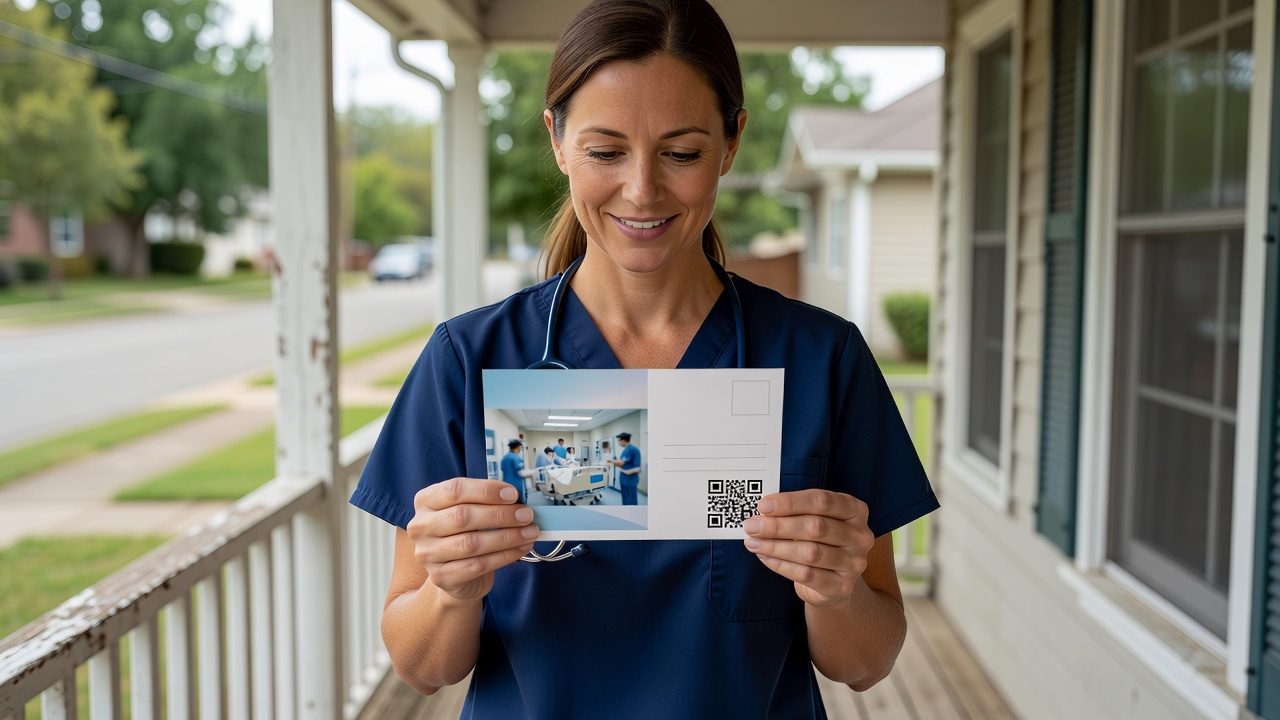
Steps to Move From Requisition to Mailboxes for an Open ED Nursing Role

Moving an open ED nursing role from requisition to mailboxes requires a sequential workflow that starts with audience definition and ends with response tracking. Follow these concrete steps in order so the mail reaches licensed emergency nurses who are not browsing job boards.
- Define the audience by license type, specialty, and geography before any design work.
- Build the card from four components: first name, ED-specific message, employer brand, and one action.
- Set QR and landing-page tracking before the piece goes to print.
- Approve the final card, then send it to production for printing, postage, and delivery.
Step 1: Define the audience by license type, specialty and geography
You start by naming the exact license, the emergency department specialty, and the geography around the facility so the list is a targeted professional audience rather than a generic demographic file.
Specify license and unit
Write the license as RN (or LPN if that is the requisition) and the specialty as emergency department, not a catch-all nursing list. If the opening is nights, trauma, or a particular site, put that in the targeting brief so the message can match the role that will not close through usual channels.
Set geography
Draw a radius around the hospital or include multiple sites if the same ED role is open in more than one market. RecruitCard campaigns can cover a single market or a nationwide rollout using the same license, specialty, and geography model.
Confirm the list is targeted
Check that the audience is built from license type, specialty, and geography matching, not a purchased consumer list. A small, employed local pool is the usual fit for this channel.
Step 2: Assemble the four card components
You assemble the mailer from a personalized name, an ED-specific message, credible employer branding, and one clear call to action.
Personalized first name
Print the recipient's actual first name on the card. Personalization is part of the RecruitCard model, not an optional extra.
Specialty-specific message
Speak to emergency nurses about the unit, shift, or practice setting you need filled. Do not recycle a generic RN posting. Passive candidates at home should see why this ED role is different from what they already do.
Employer branding
Place your logo and a credible employer story on the card so the piece looks like your organization, not a blank mailer. Agencies can use a white-label option if they are offering the campaign under their own brand.
One clear action
Give one path: a QR code plus a short URL. Do not stack competing asks. The action should send the nurse to the dedicated page you will set up in the next step.
If this ED requisition is still open after job boards and paid search, Book a 15-minute call to walk through targeting, card design, print, postage, and tracking as one managed campaign.
Step 3: Set up response tracking before printing
You set up measurement before printing so QR scans and landing-page traffic can be tied to this ED campaign.
Dedicated landing page
Create a page for this emergency nursing role (or hiring event) so a scan does not dump the candidate onto a generic careers home page.
Unique QR codes and short URLs
Assign codes and URLs that report scans and visits for this mailing. RecruitCard measures response through QR scans and landing-page traffic rather than asking you to guess whether mail worked.
Link tracking to the audience
Keep the tracking tied to the license, specialty, and geography segment you defined in Step 1 so later reports stay comparable if you mail again for pipeline or additional sites.
Step 4: Approve the final mail piece and send to production
You review the complete card, then submit it for printing, postage, and delivery across the geography you already defined.
Review for accuracy
Check name personalization, ED copy, brand marks, QR, and short URL. Confirm the call to action matches the landing page.
Submit for print and mail
RecruitCard is full-service: targeting, creative, print, postage, delivery, and response tracking, not a list handoff. After approval, production handles printing, postage, and delivery.
Confirm coverage
Verify the drop matches the single market or multi-site footprint in the brief. The same workflow supports one hard-to-fill ED seat or an ongoing local pipeline if you later repeat the mailing.
Sources
Enjoyed this? There's more from RecruitCard.
Book a 15-minute call →